 Reverie
Audiobooks, as Nolan intended
Backed by iCloud Drive, synced with CloudKit.
No accounts, no servers.
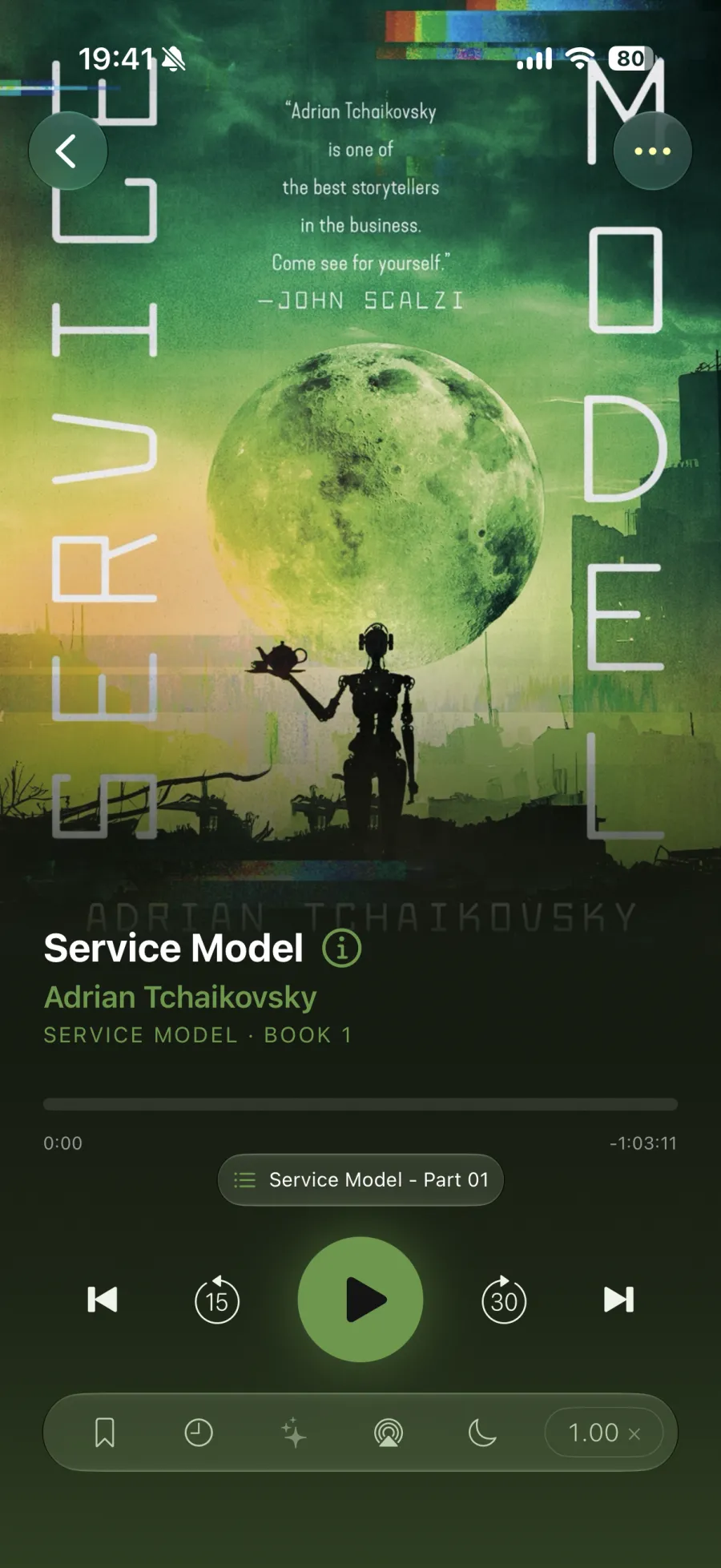

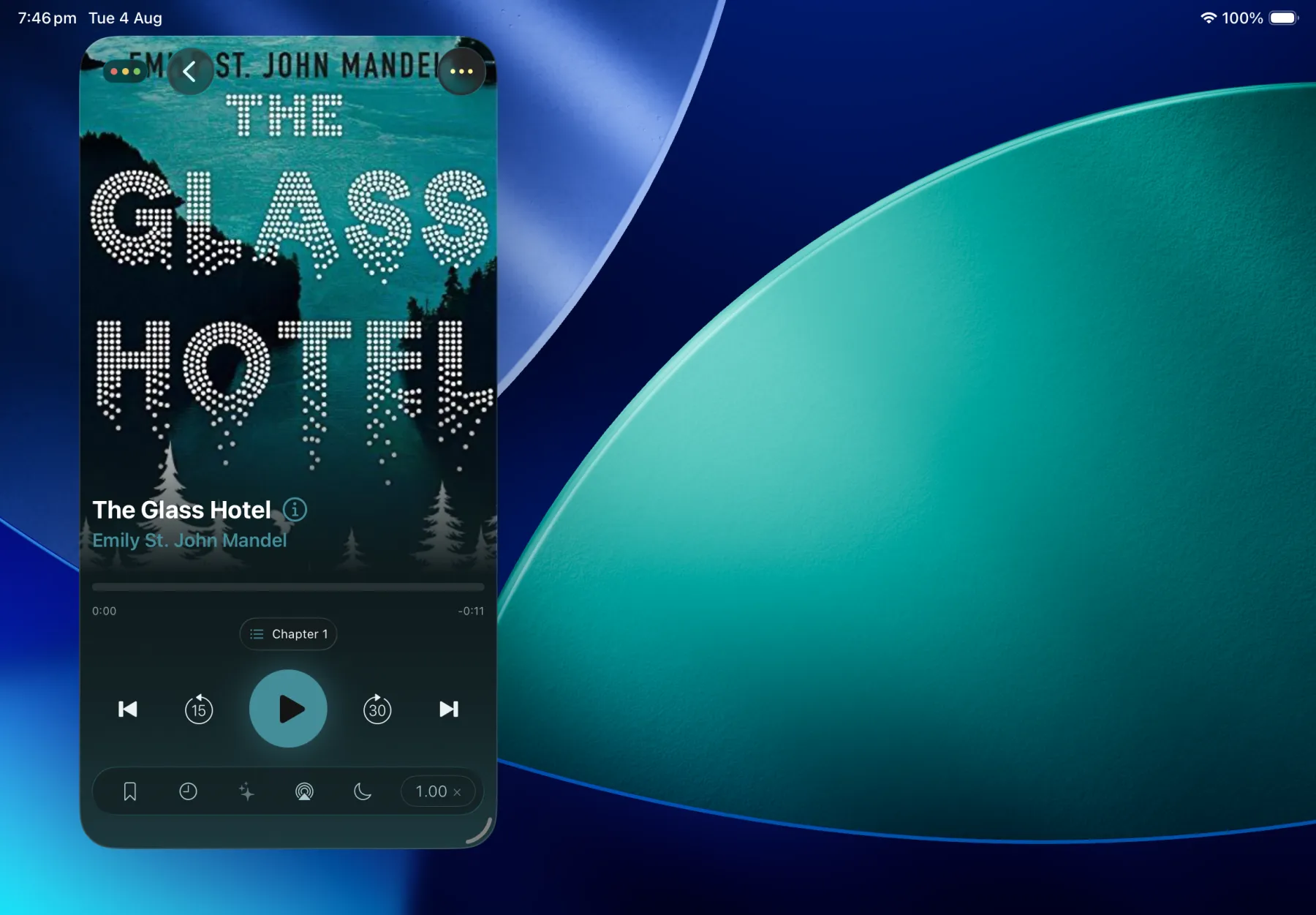
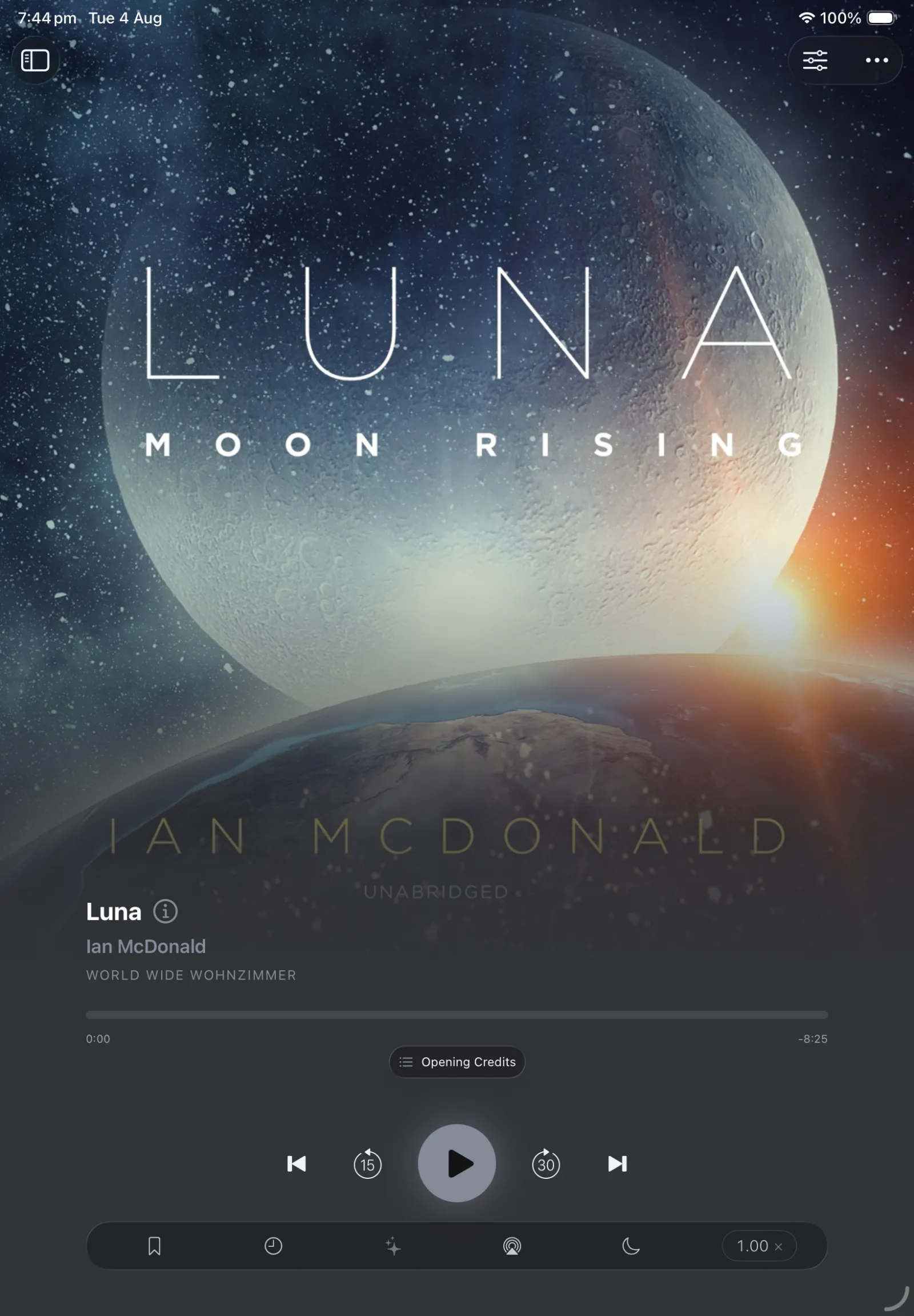
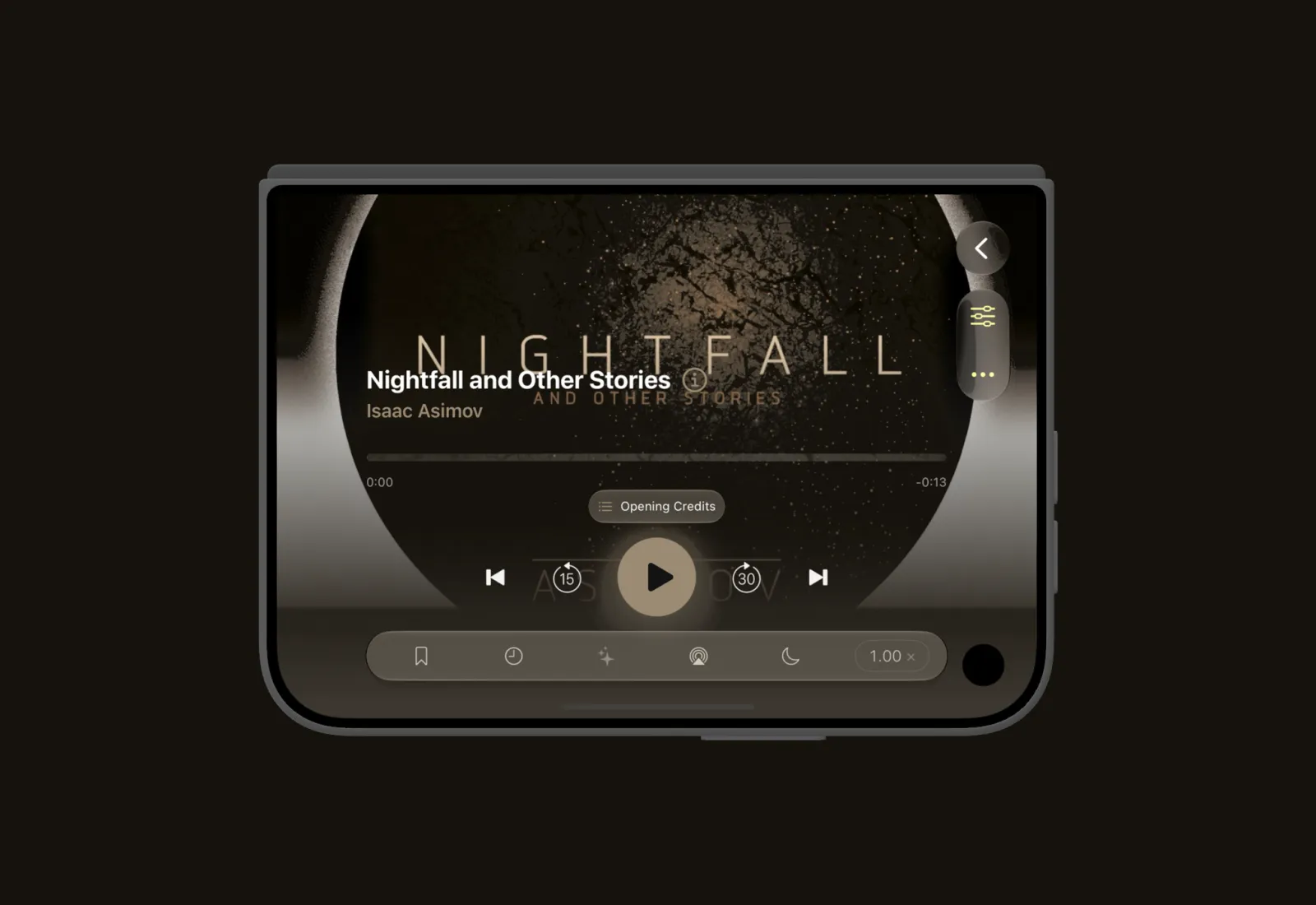
The player
Chapters, bookmarks, and summaries.
- Chapters — chapter navigation
- Bookmarks — with auto transcribe and notes
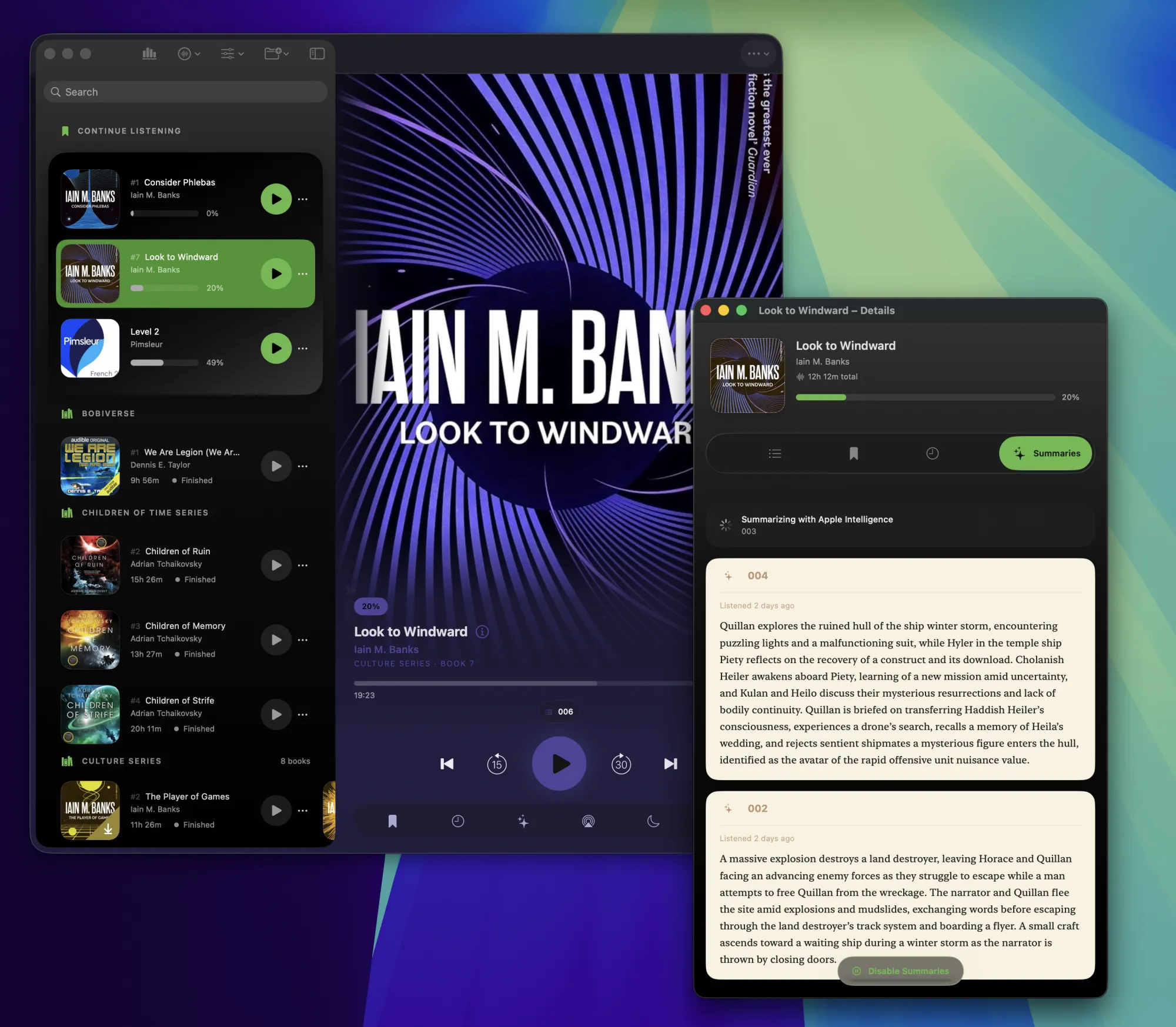
- Summaries — chapter recaps on device with Apple Intelligence.
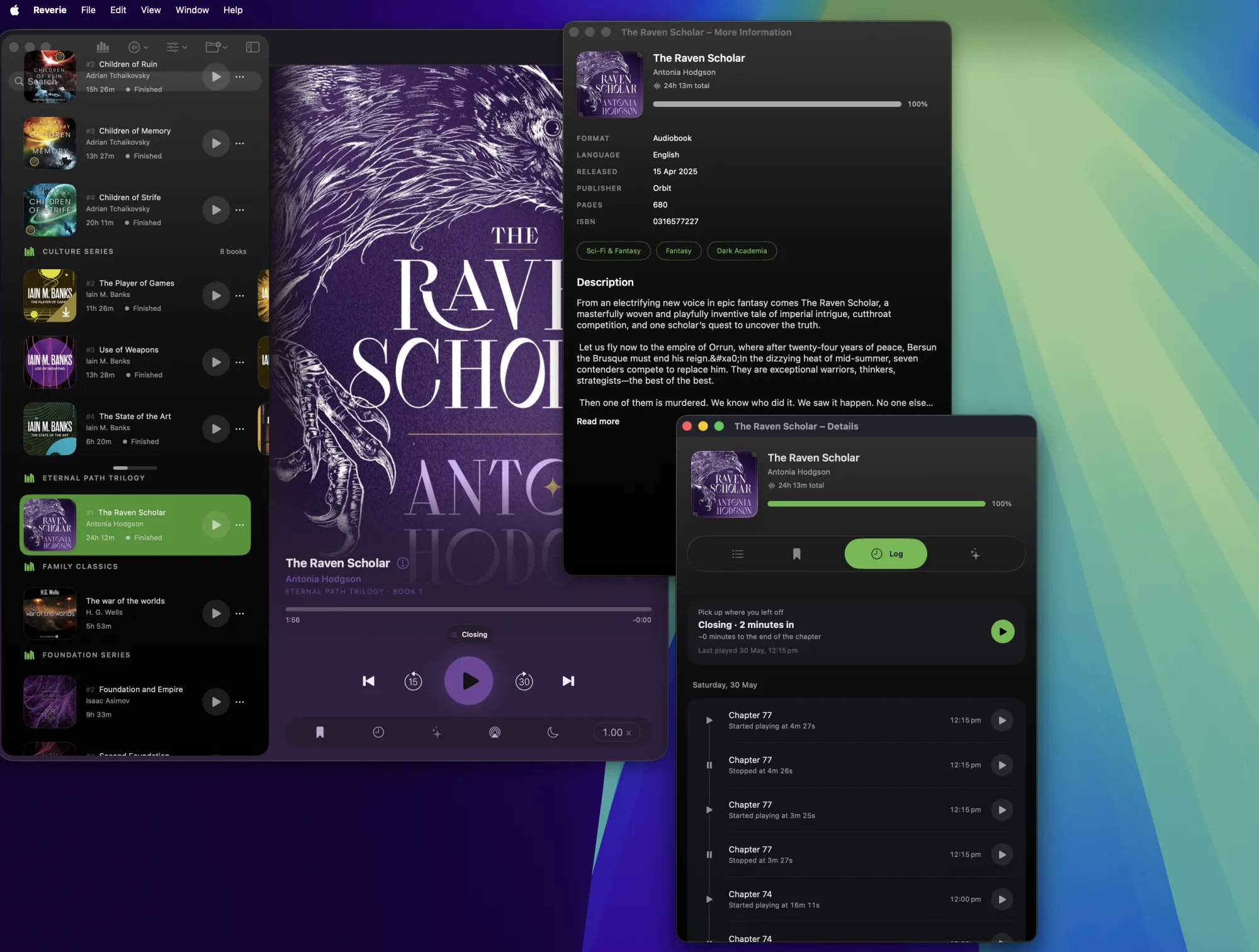
- Listening Log — playback events, sleep events
Player View.
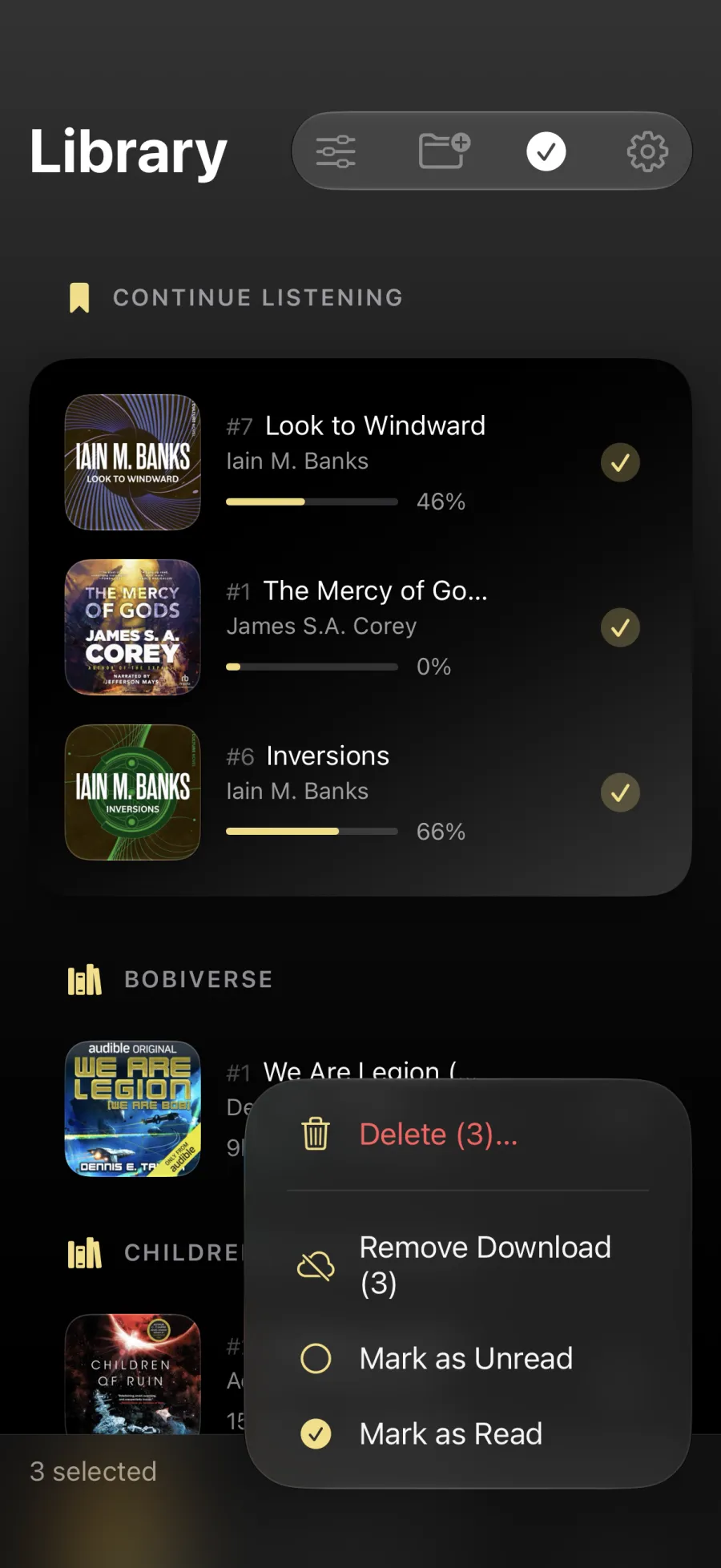
Library management
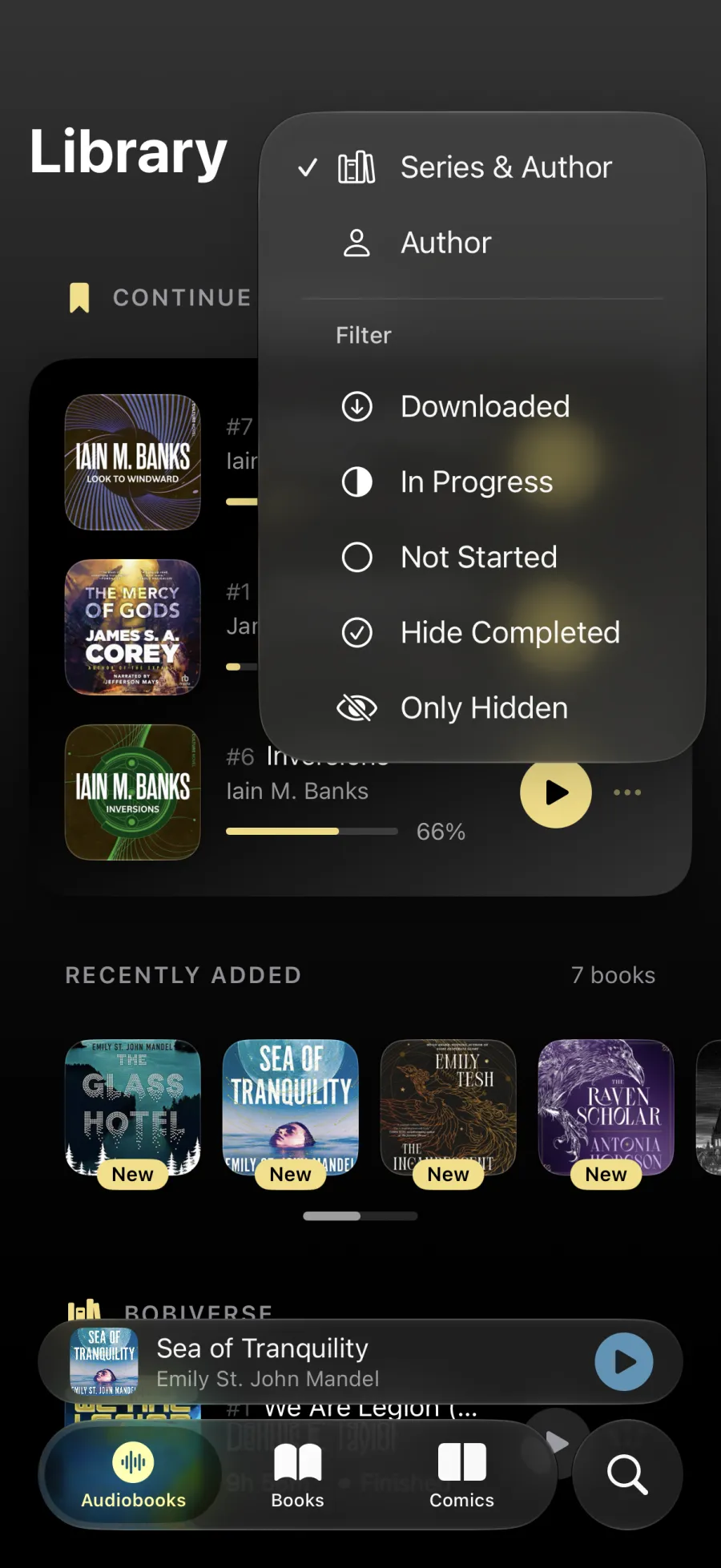
Group, Filter and Search
- Group by series & author
- Filters — downloaded, in progress, not started, hide completed.
- Recently added
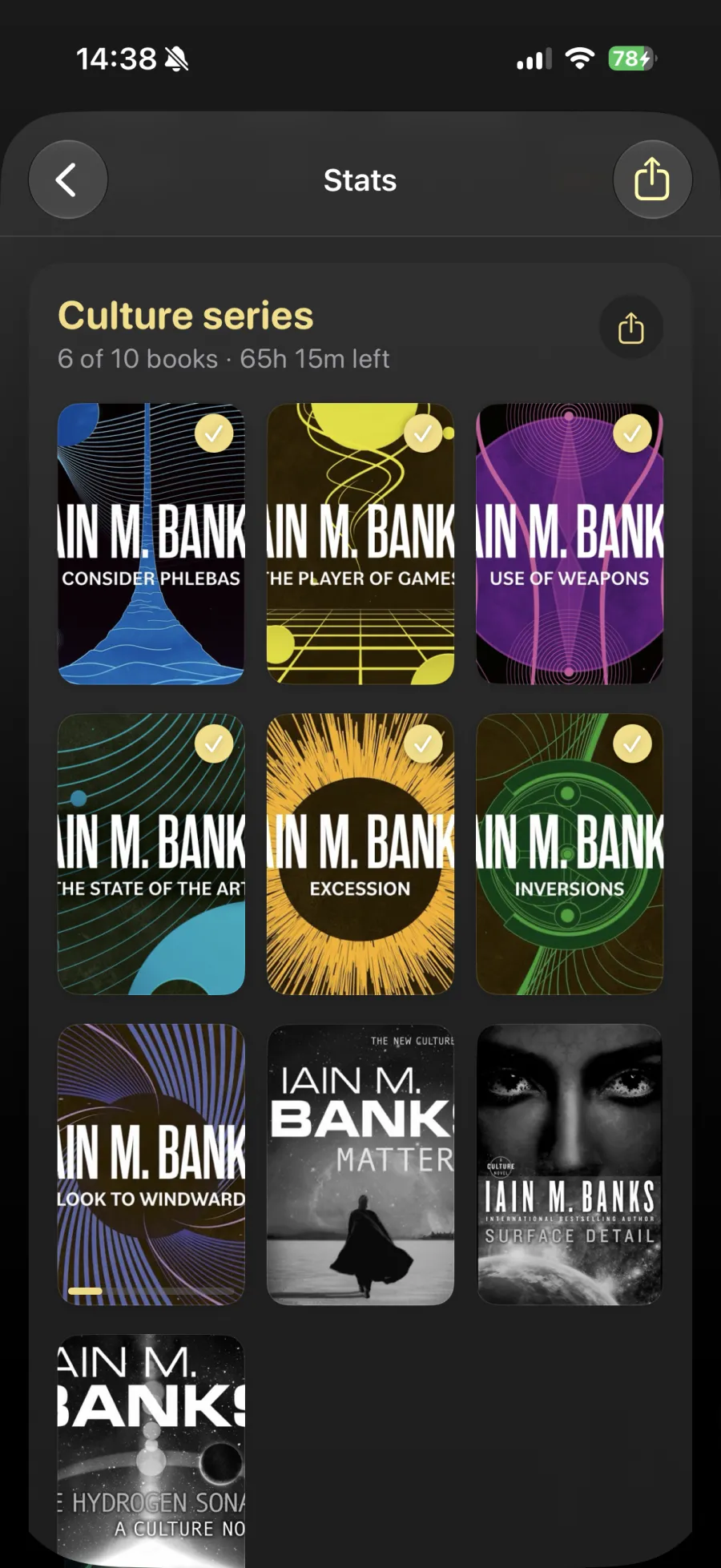
Stats & goals
Your year in review.
Listening stats by week and format.
- Goals & streaks
- Series progress and sharing
- Share the year
Features
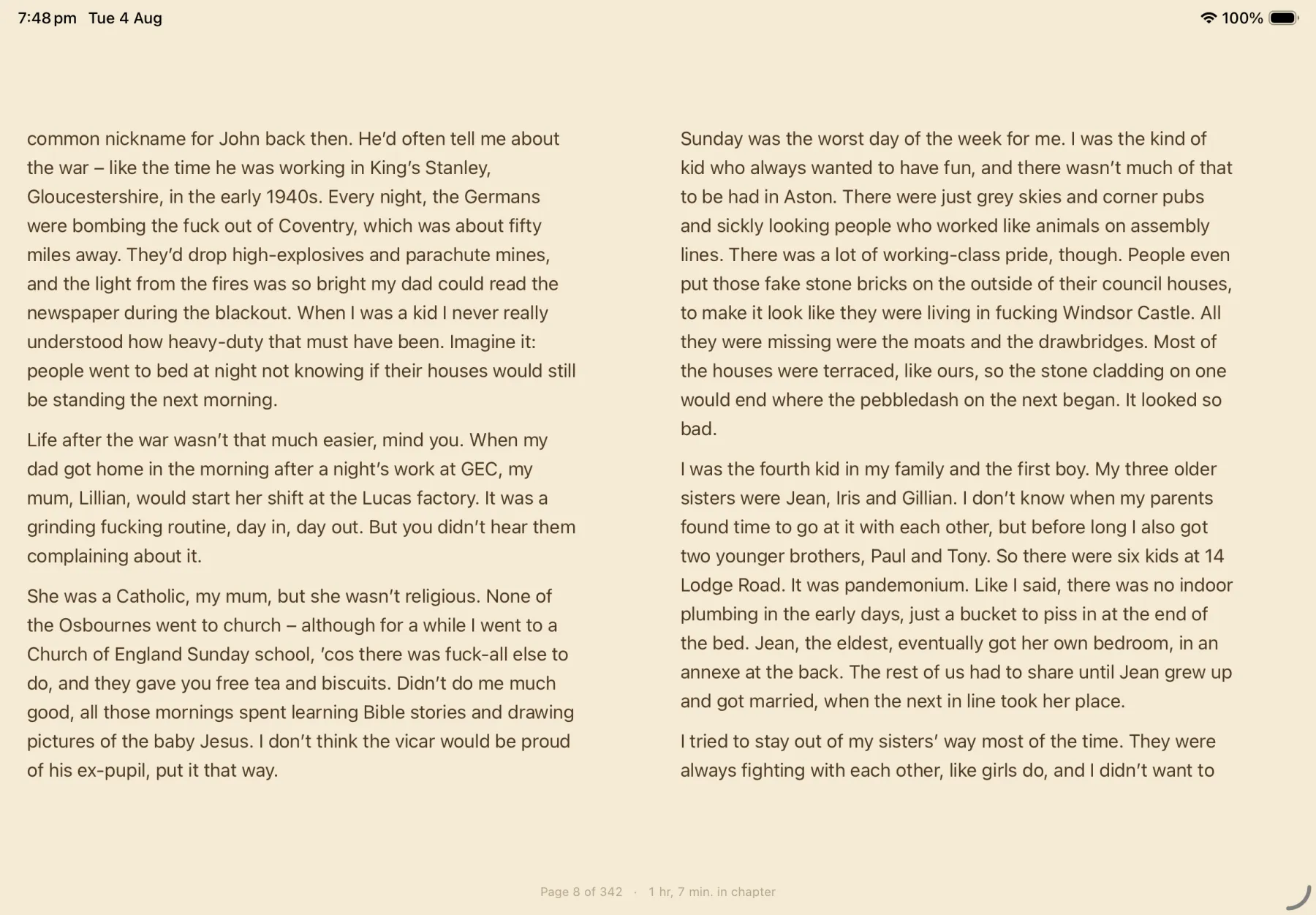
A full-featured EPUB reader.
- Themes & type — paper, sepia, or night, at your size.
- Highlights & notes — kept, editable, and synced.
- Read aloud — the text follows along as it speaks.
Reader
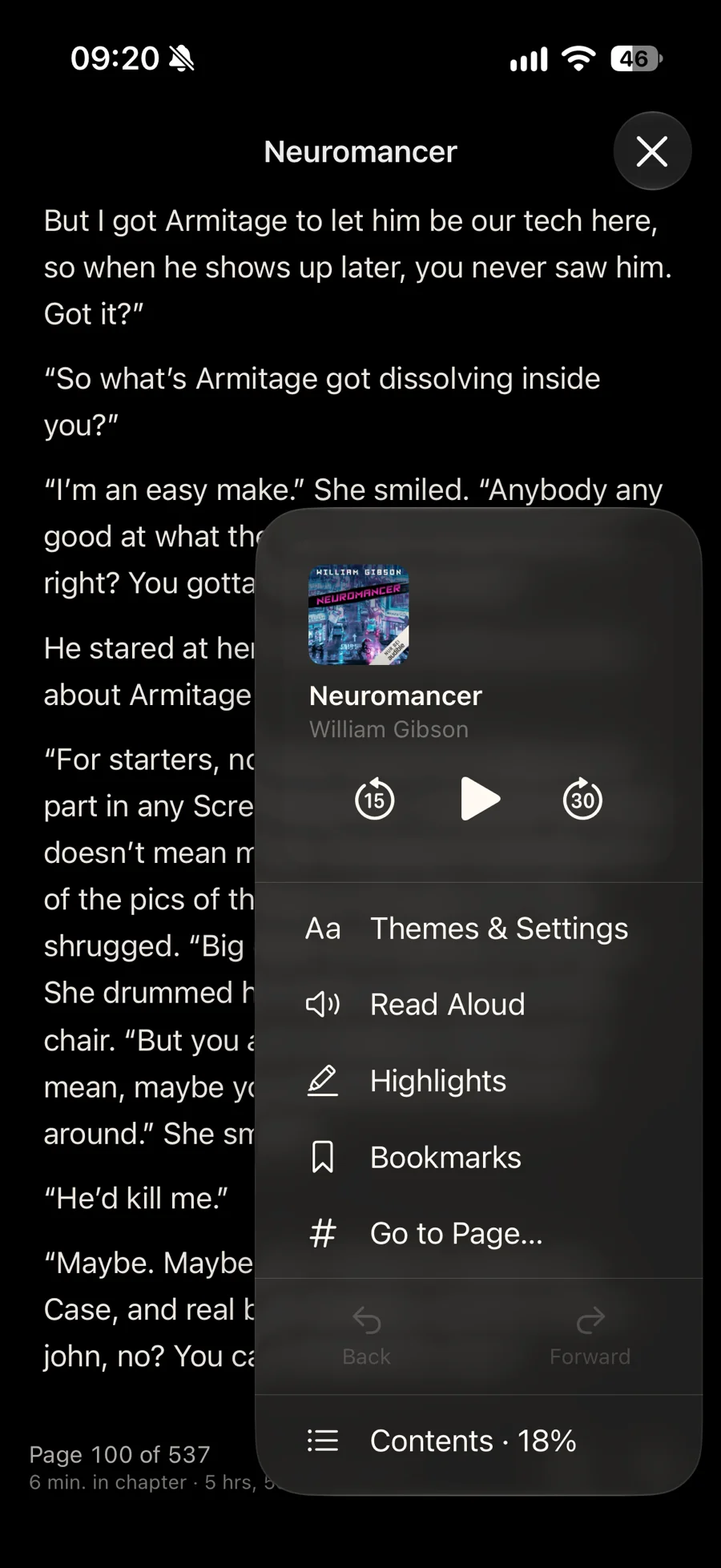
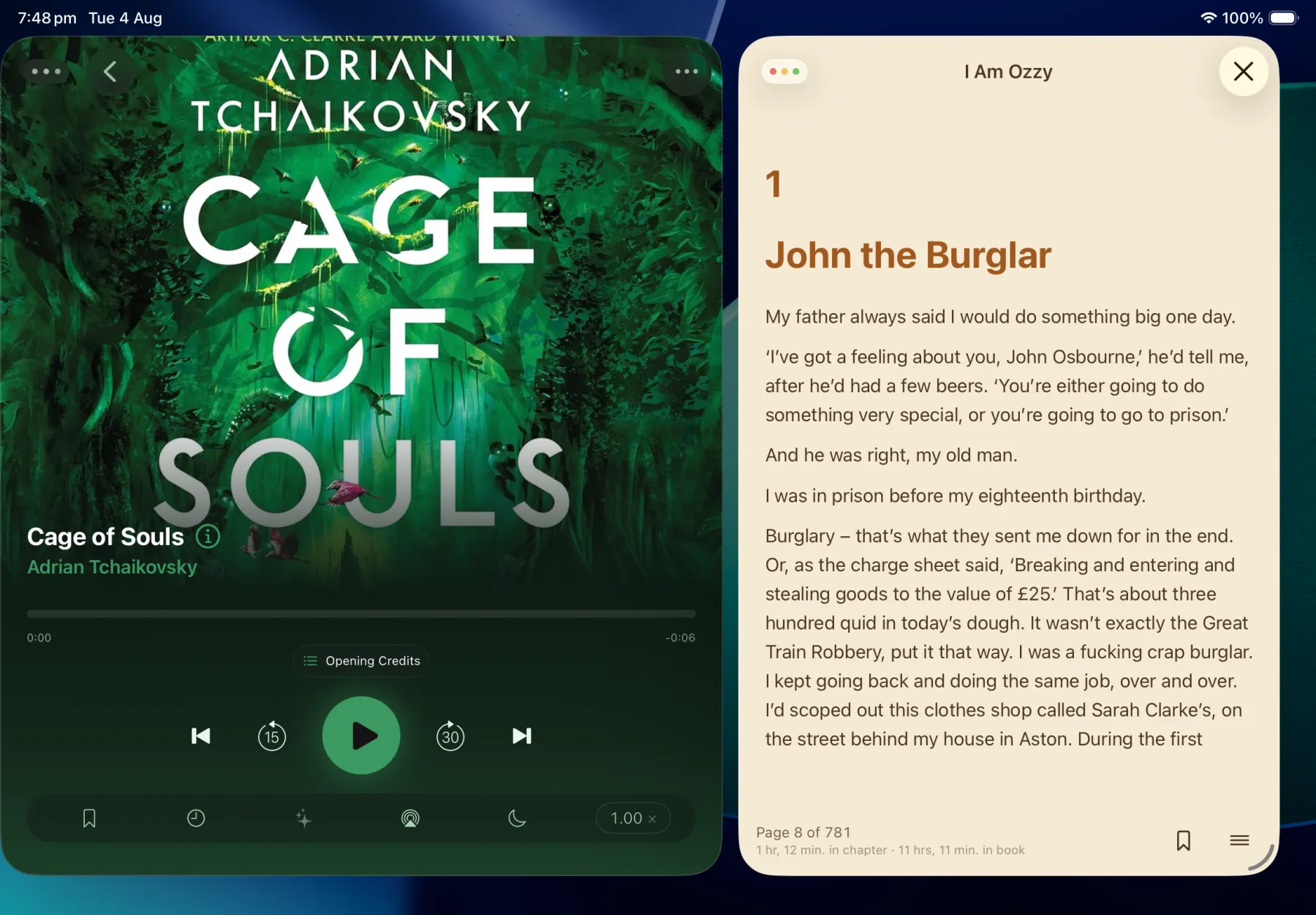
Mini player, built in.
Listening to the same book you're reading? The mini player in the EPUB reader recognises it and shows you playback controls.
- Playback controls — play, pause, and skip without leaving the page.
- Quick access — themes, highlights, bookmarks, and go to page, one tap away.
- Stays out of the way — dismiss it and keep reading.
Web pages
Save a webpage or a short story as an ePub.
Paste a link and Reverie turns the page into a proper book — article text and images kept, a title and cover set, ready to read like anything else in your library.
- Keeps the article — text and images, cleaned up for reading.
- Title, author, cover — edit any of them before it's saved.
- Generated covers — no image on the page? Reverie can make one.
- Saved to Books — reads exactly like any other ePub.
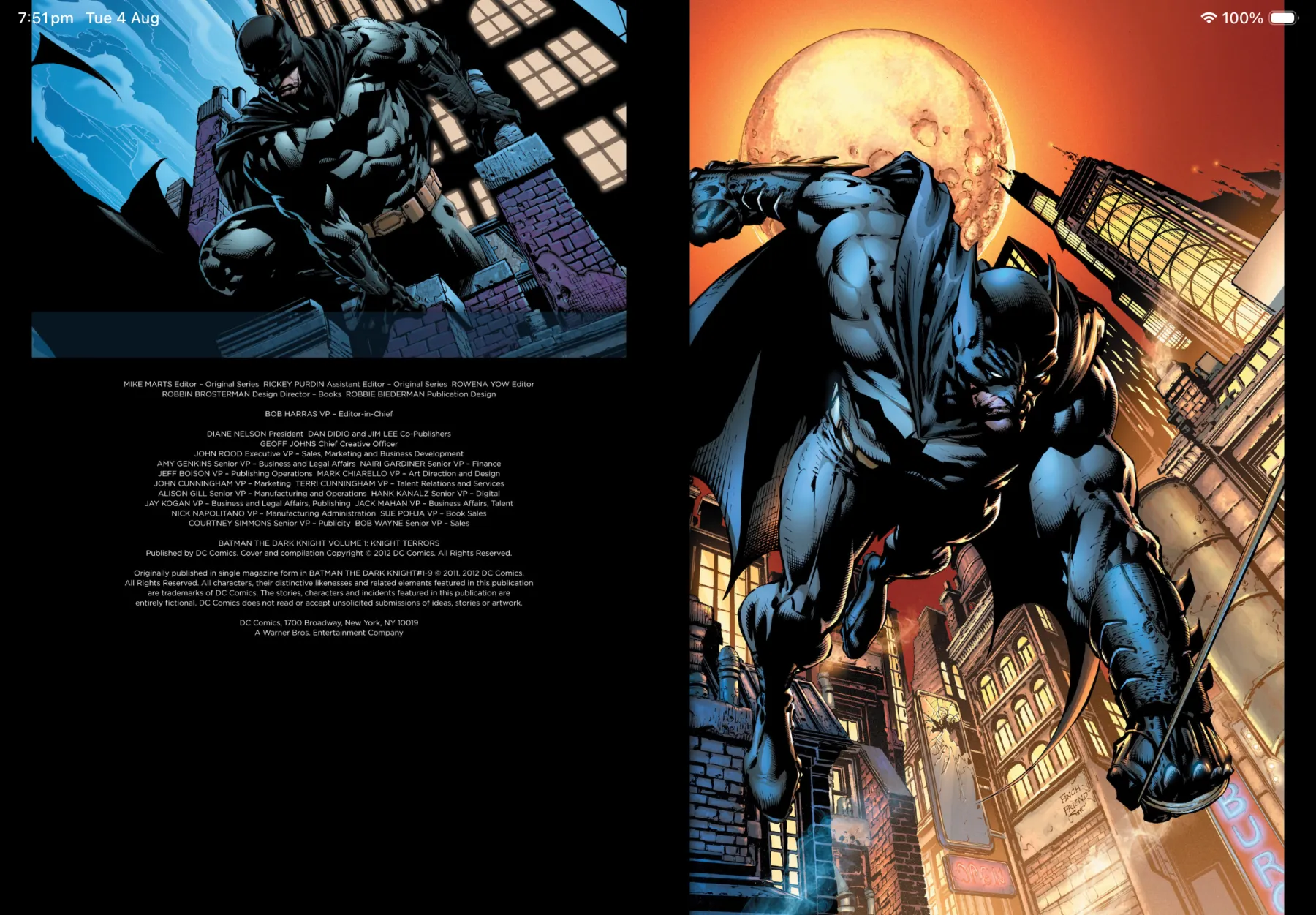
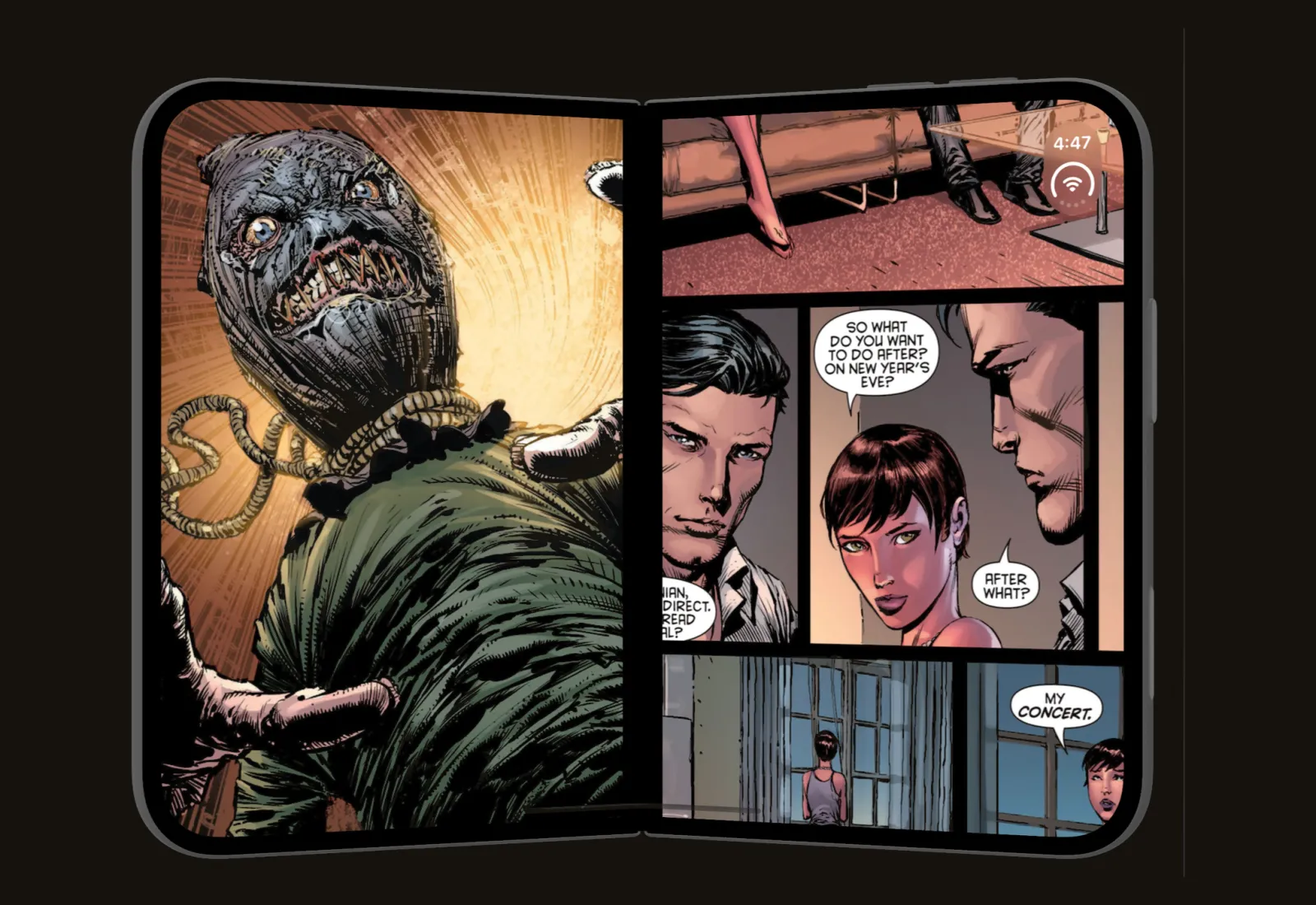
Comics
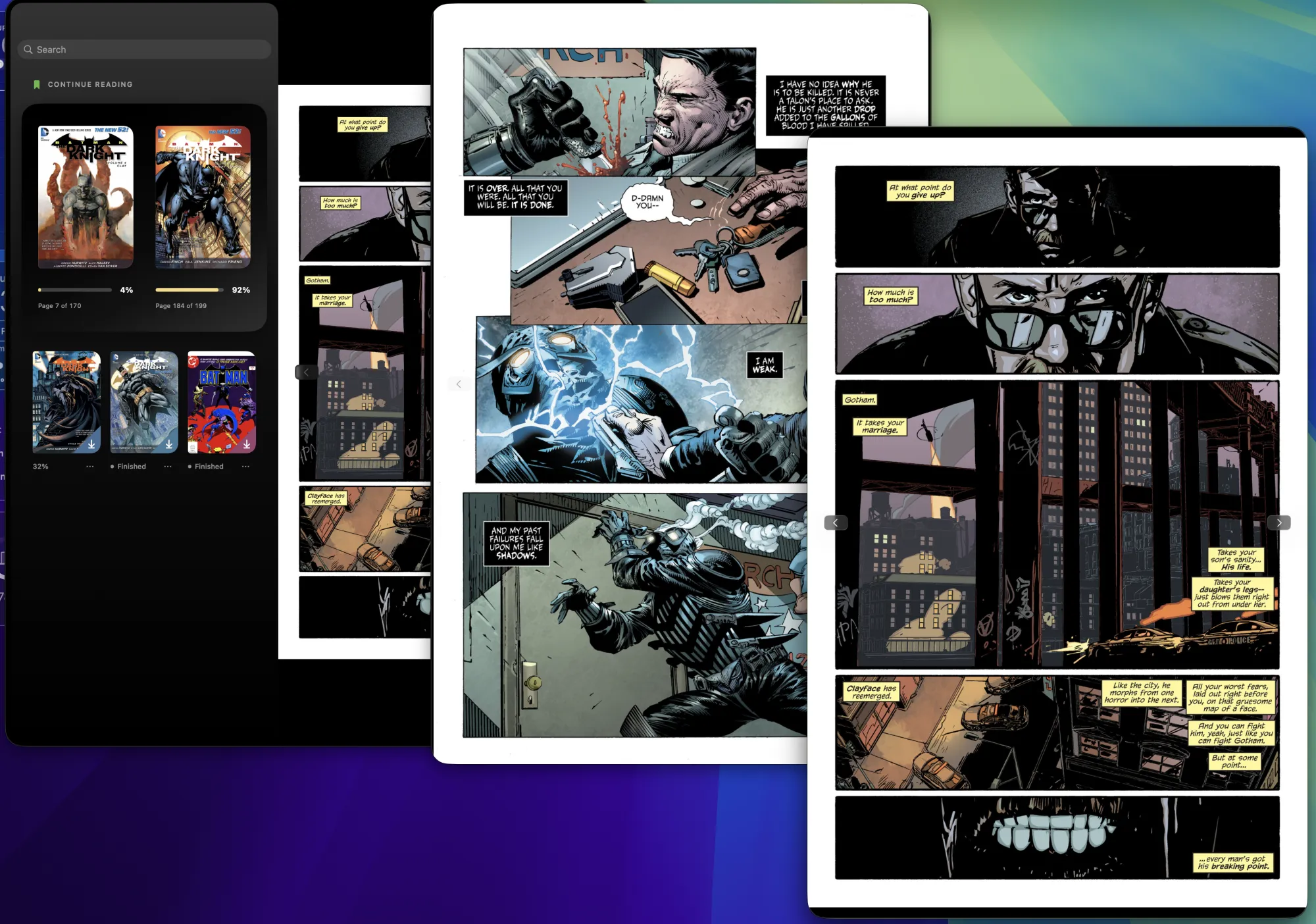
CBR, CBZ, and PDF.
- CBZ · CBR · PDF
- Full-bleed pages
- Automatic covers
Covers & metadata
Automatic cover lookups.
When the artwork is missing or wrong, Reverie goes and finds better. Fix the title, author, narrator, or series while you're there — and it's written back to the file
- Suggest covers — proper artwork found for you.
- Two covers per book — a square for the shelf, a tall one for the player.
- Edit any detail — title, author, narrator, series.
- Written to the file — your corrections travel with the book.
- Hardcover Integration — to look up book information and series information
Covers & metadata
Animated covers.
Add an MP4 or GIF as a book's player-view cover — or bring a still image to life with a gentle breathing effect.
- MP4 or GIF covers — drop one in and it plays right on the player screen.
- Breathing stills — animate any still image with a subtle, ambient breath.
Synced Across Devices
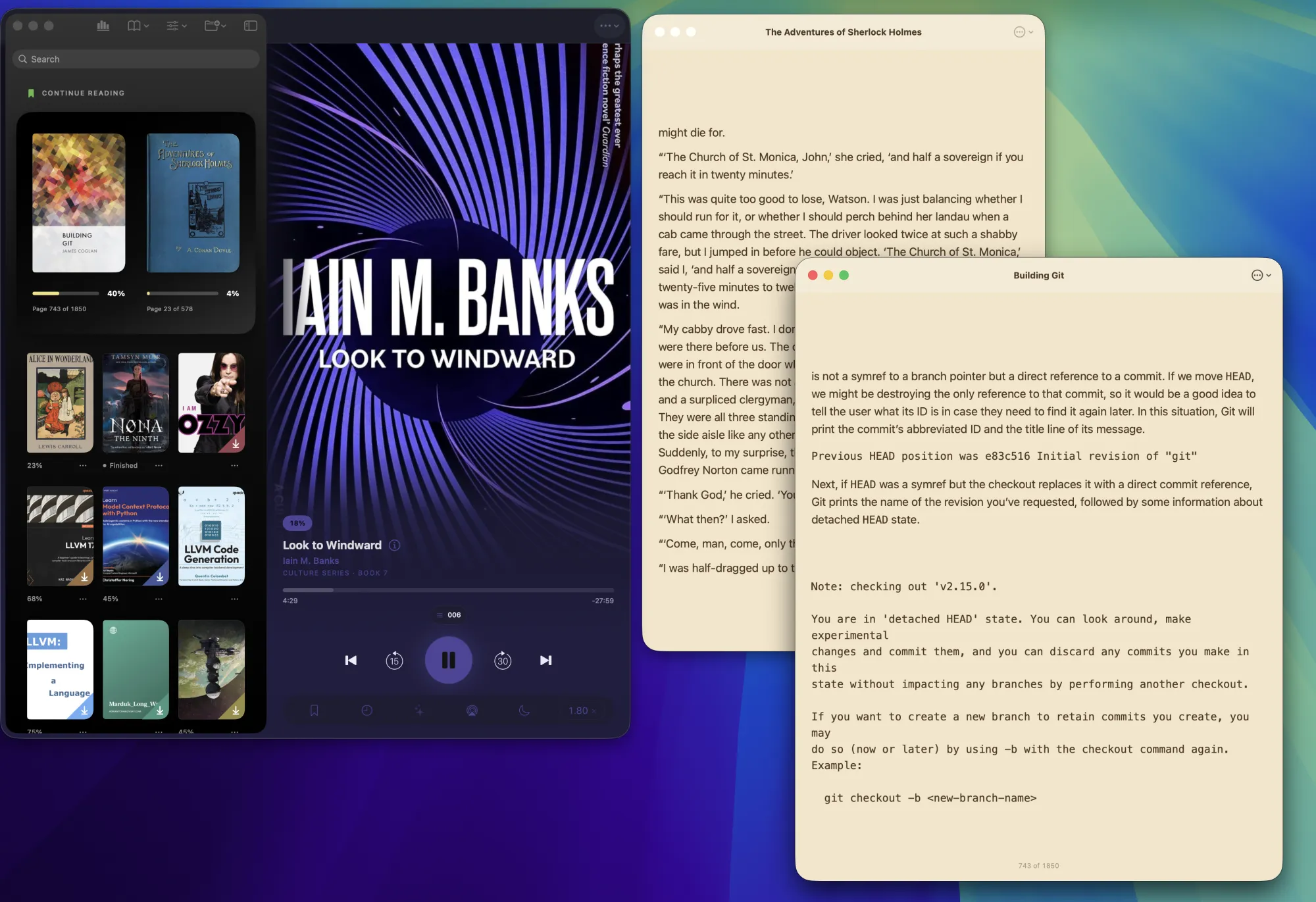
Drag and drop Mac to iOS
Mac
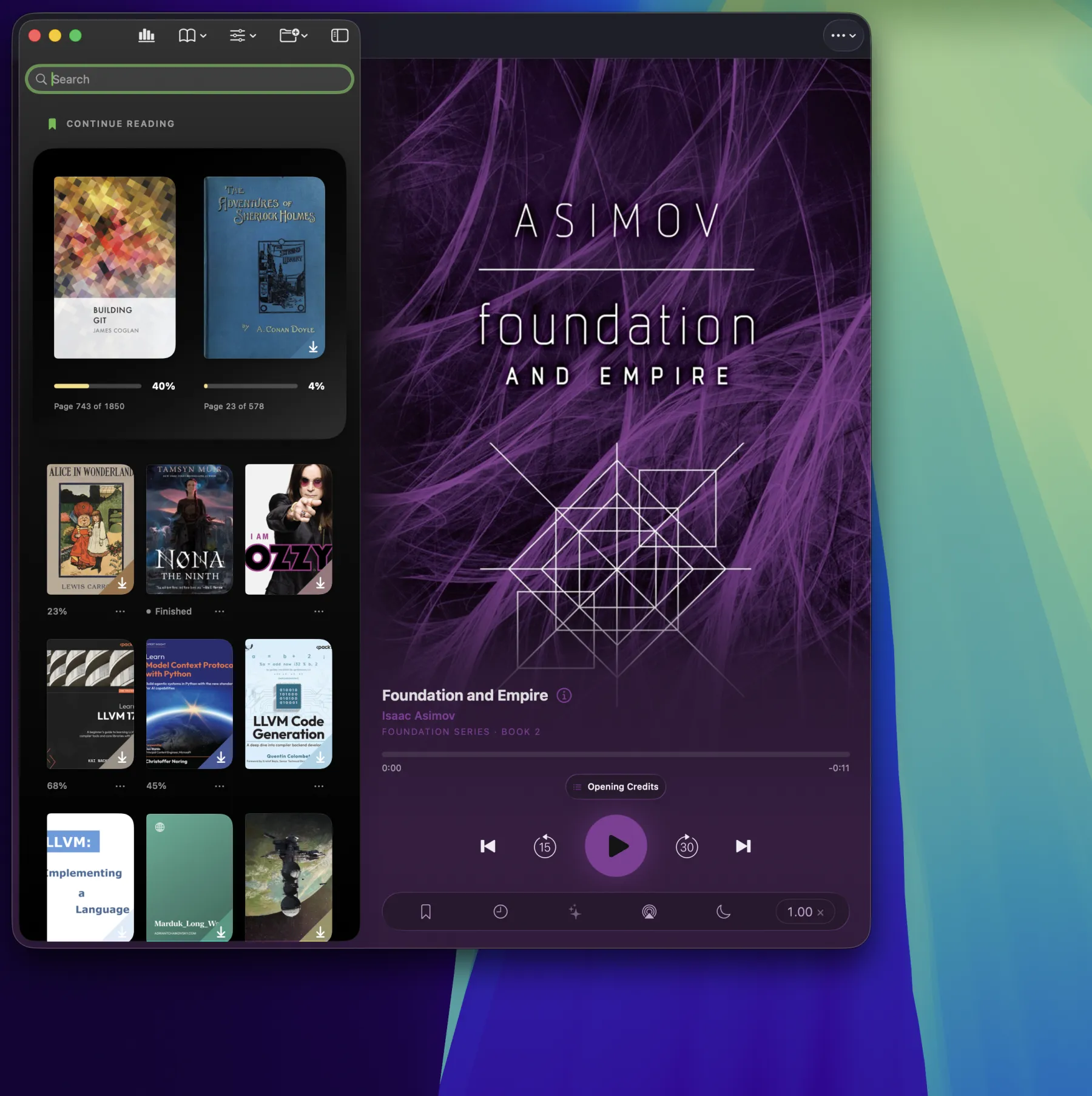
Native Mac App
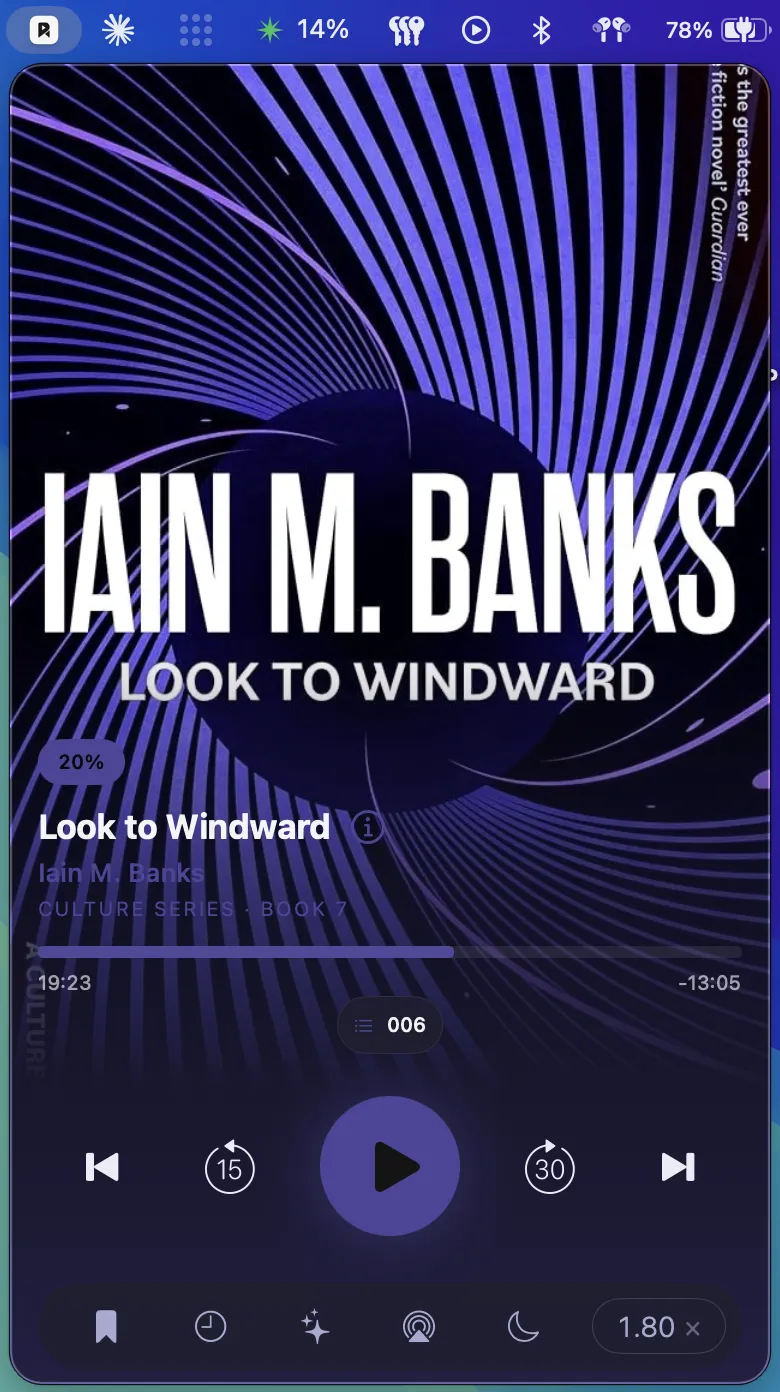
Menu bar
Full player view in the menu bar
Series
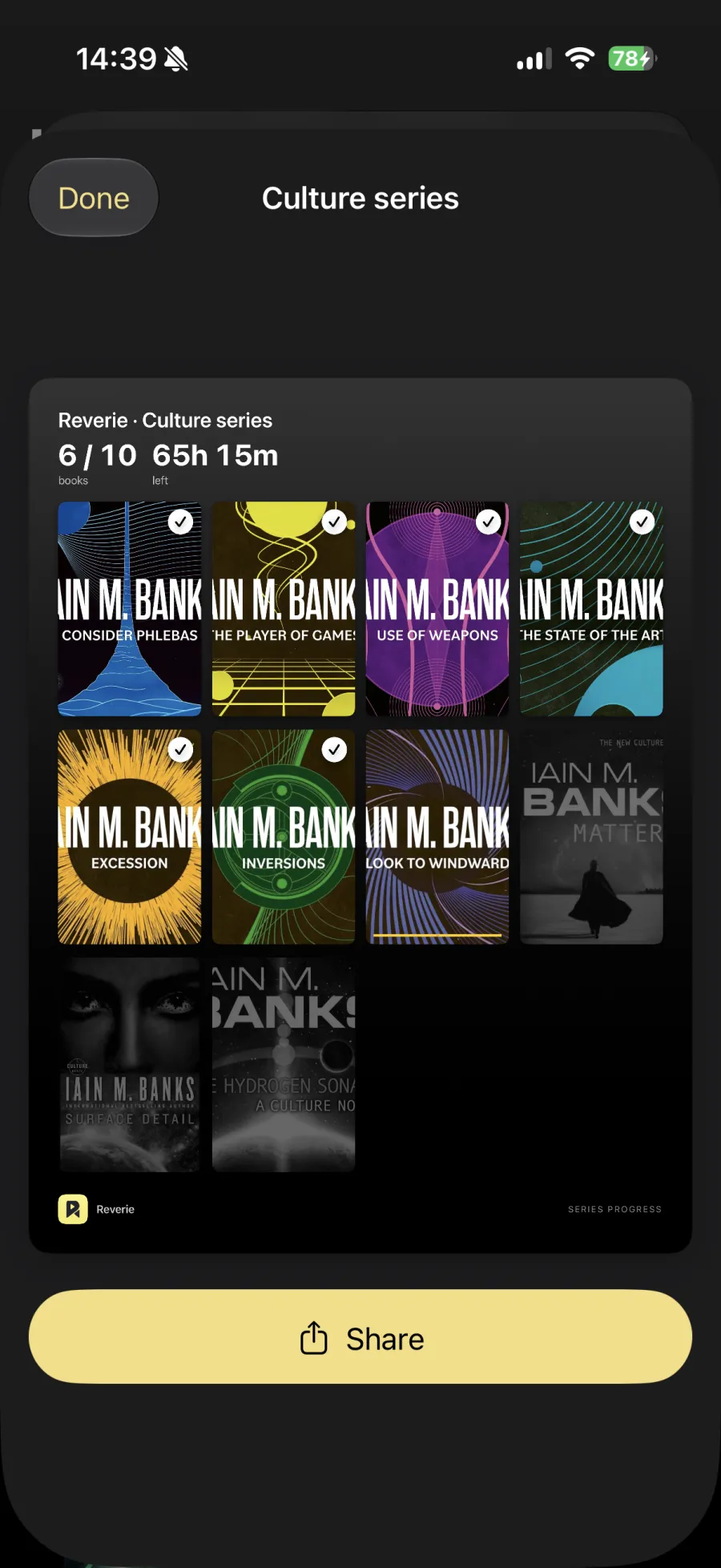
Support for book series
- In reading order
- A shelf per series
- Progress
The whole series
More information on each title
Looks up series information for books you have and don't have
iPad
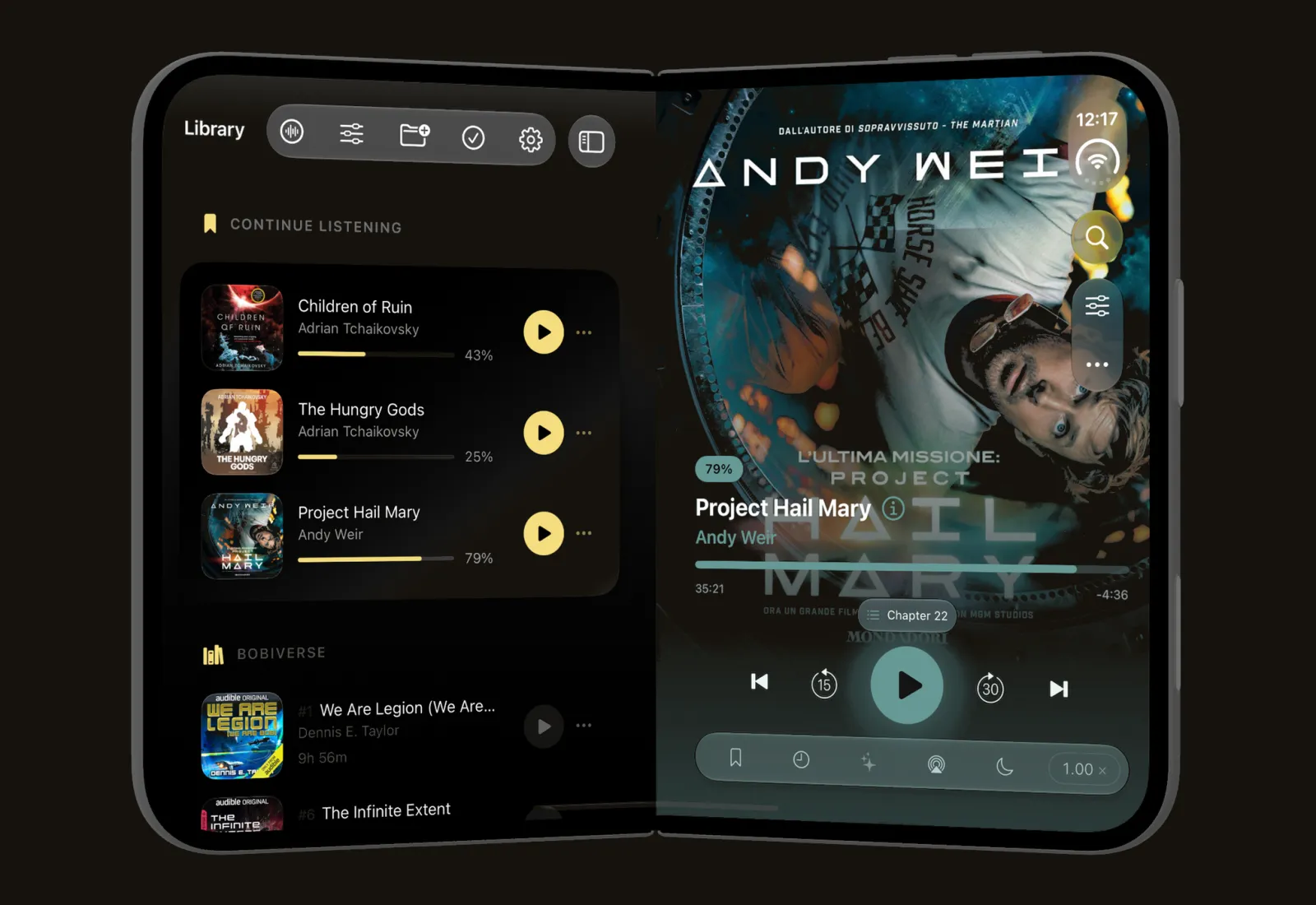
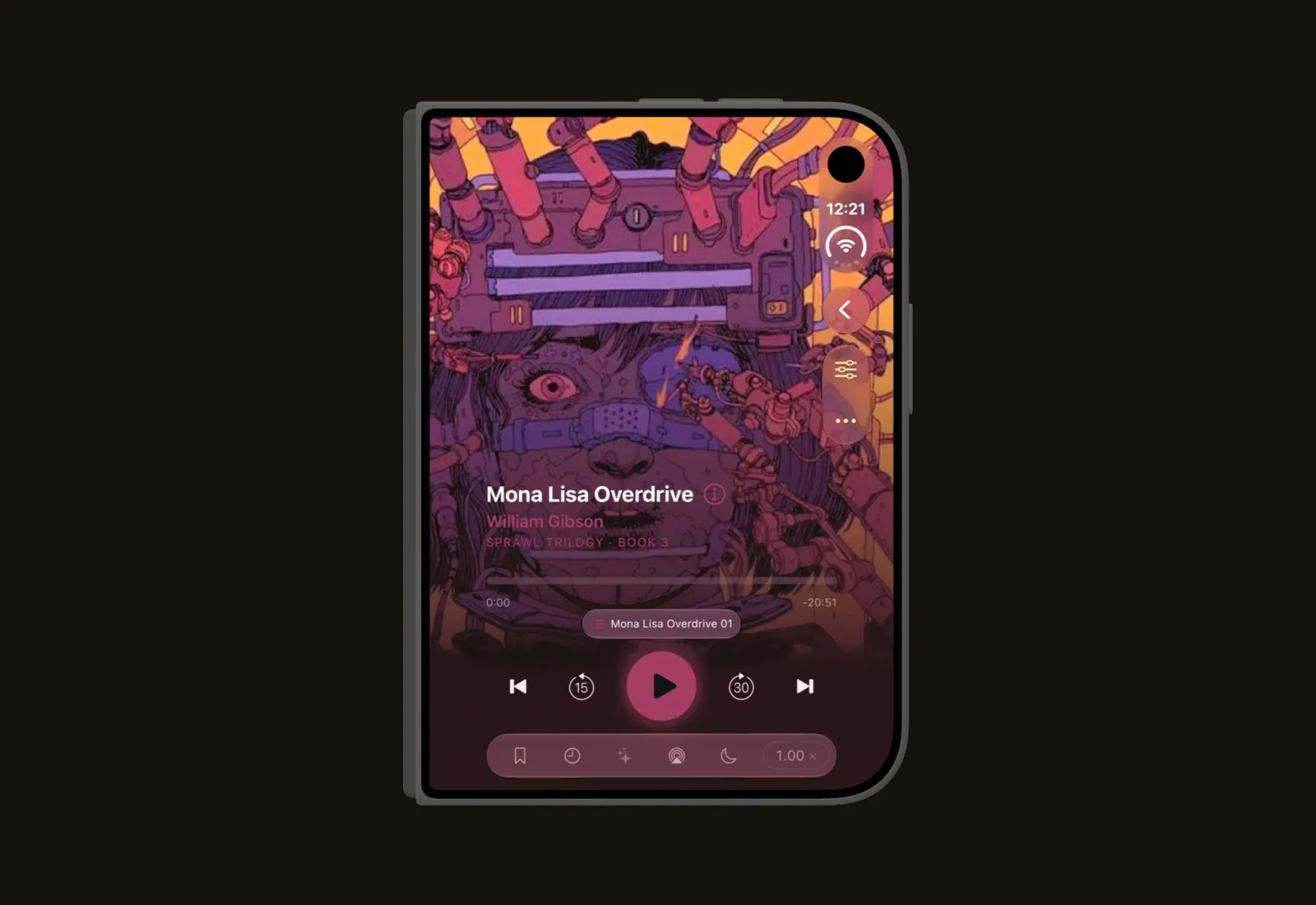
iPhone Duo
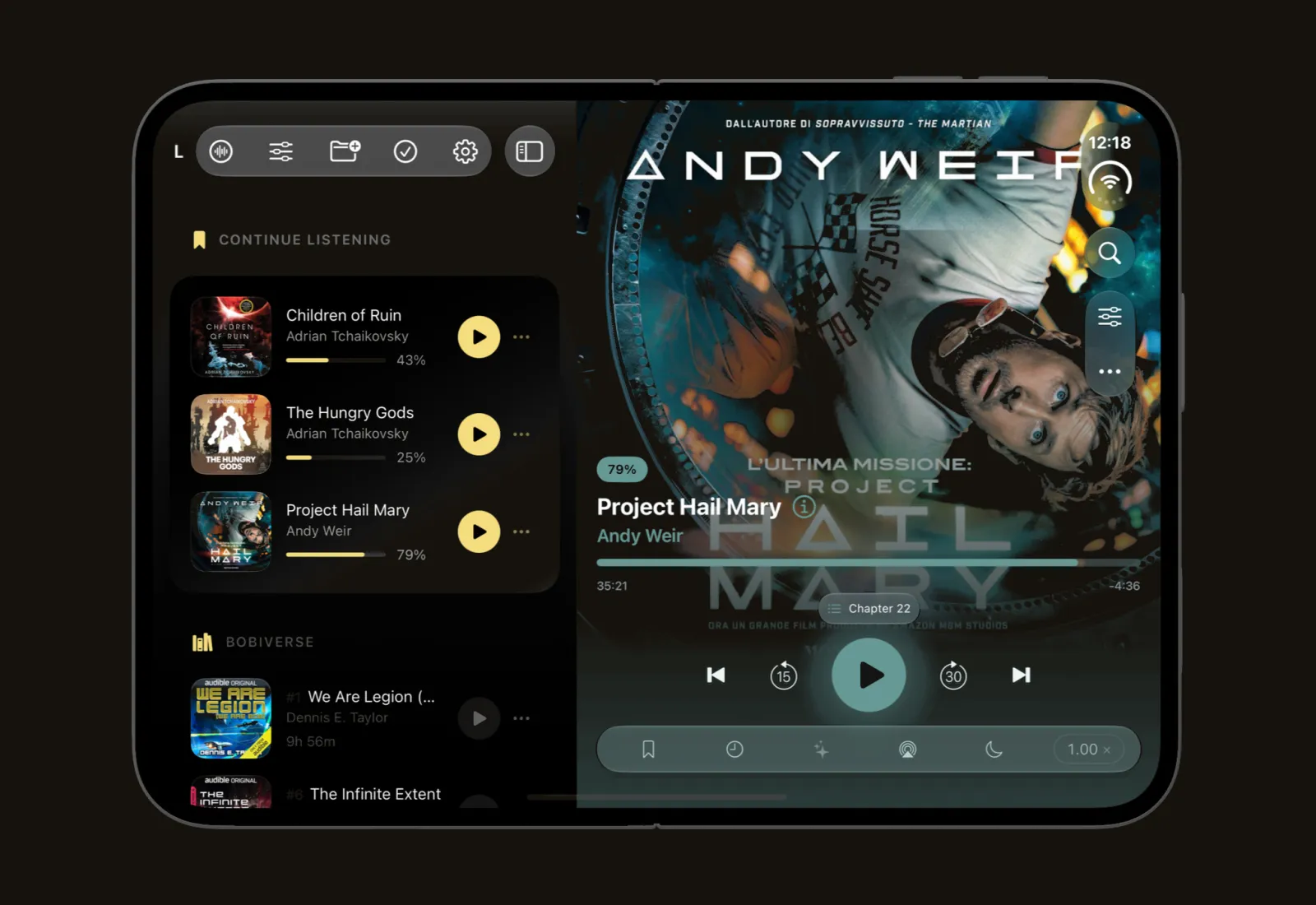
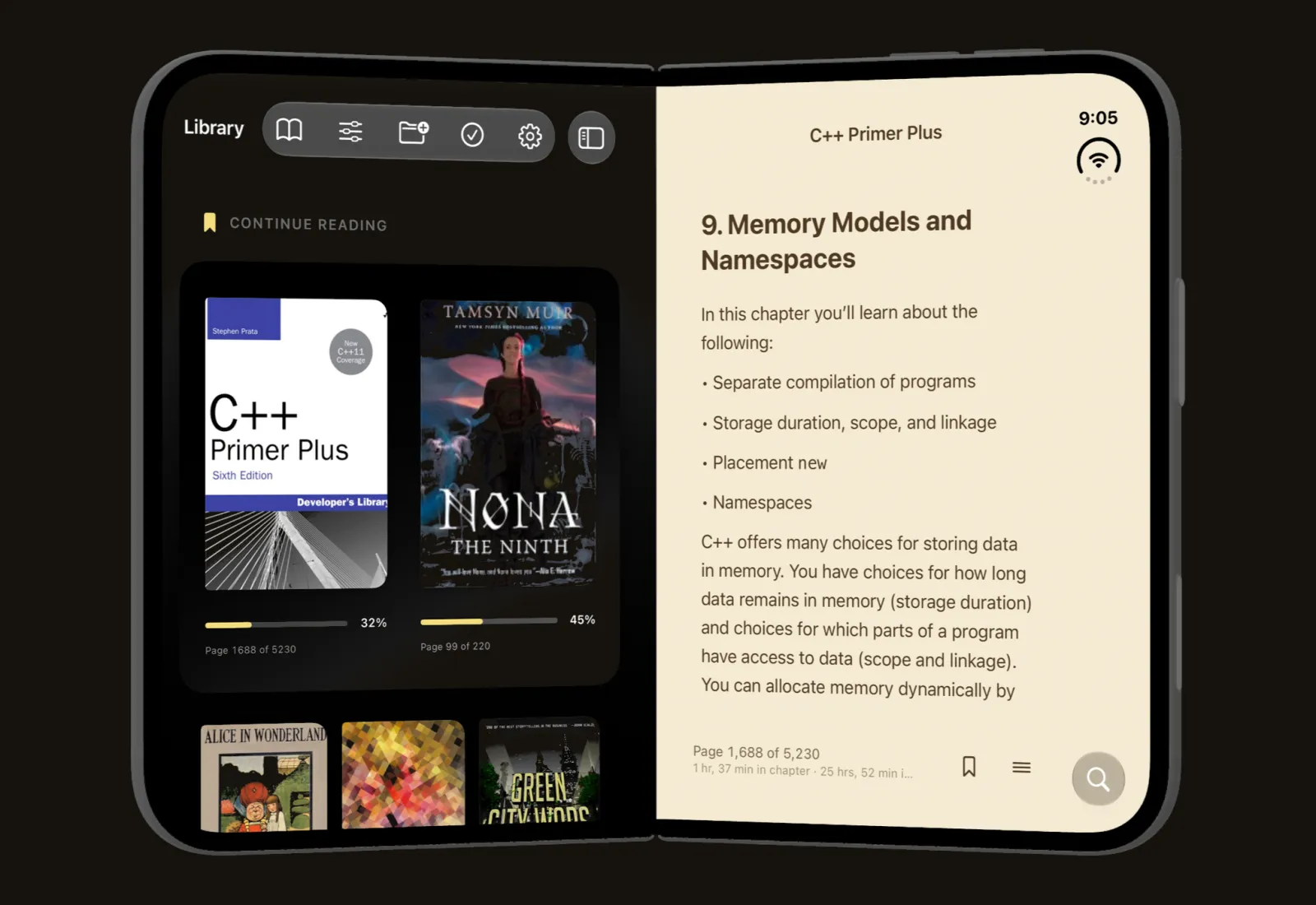
More
Also in Reverie.
Audiobooks
- Smart resume — a small rewind when you come back, and after sleep
- Siri & Shortcuts — resume playback by voice
- Home Screen Quick Actions — your three most recent books, on a long press
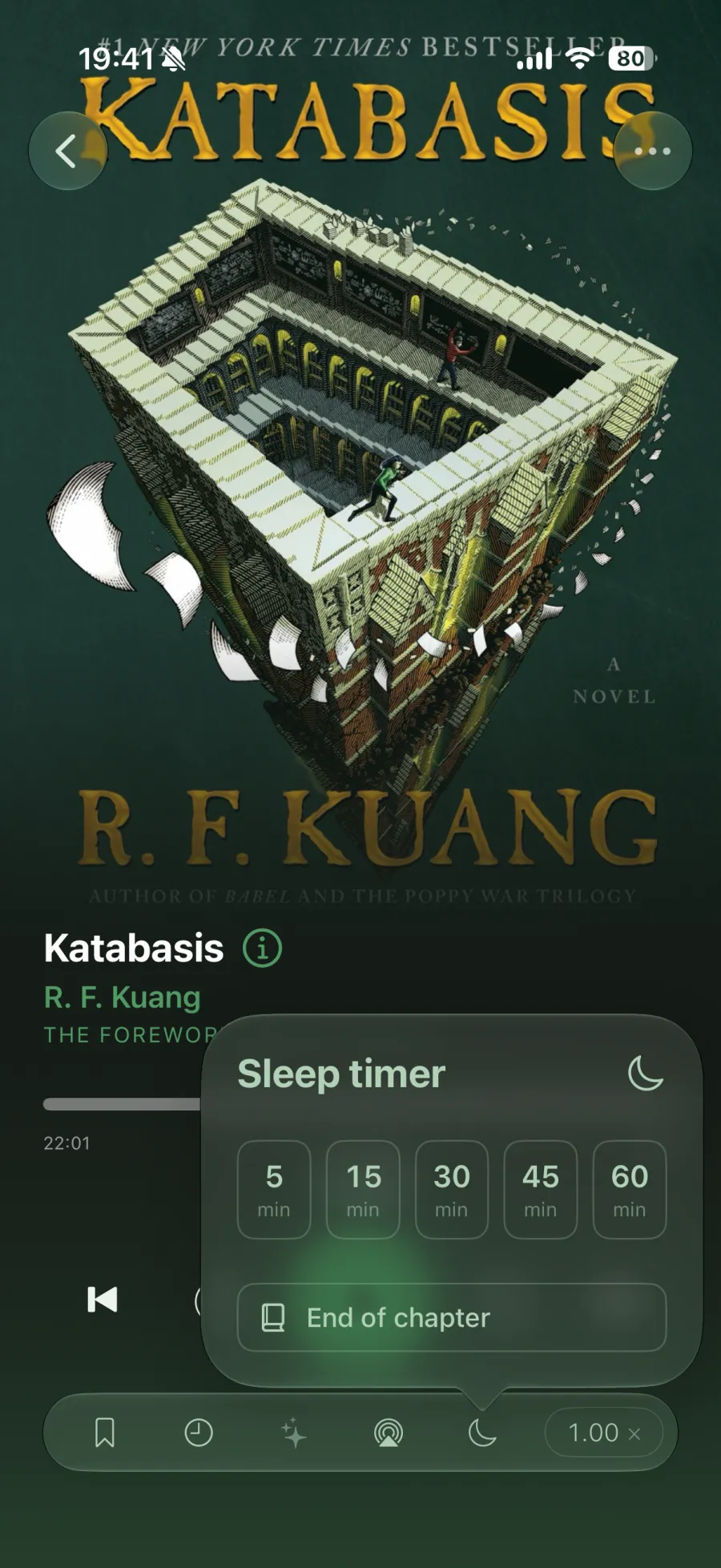
- Live Activity — sleep timer on the Lock Screen and in the Dynamic Island
- Control Center resume, media keys, and headphone controls
- Animated covers
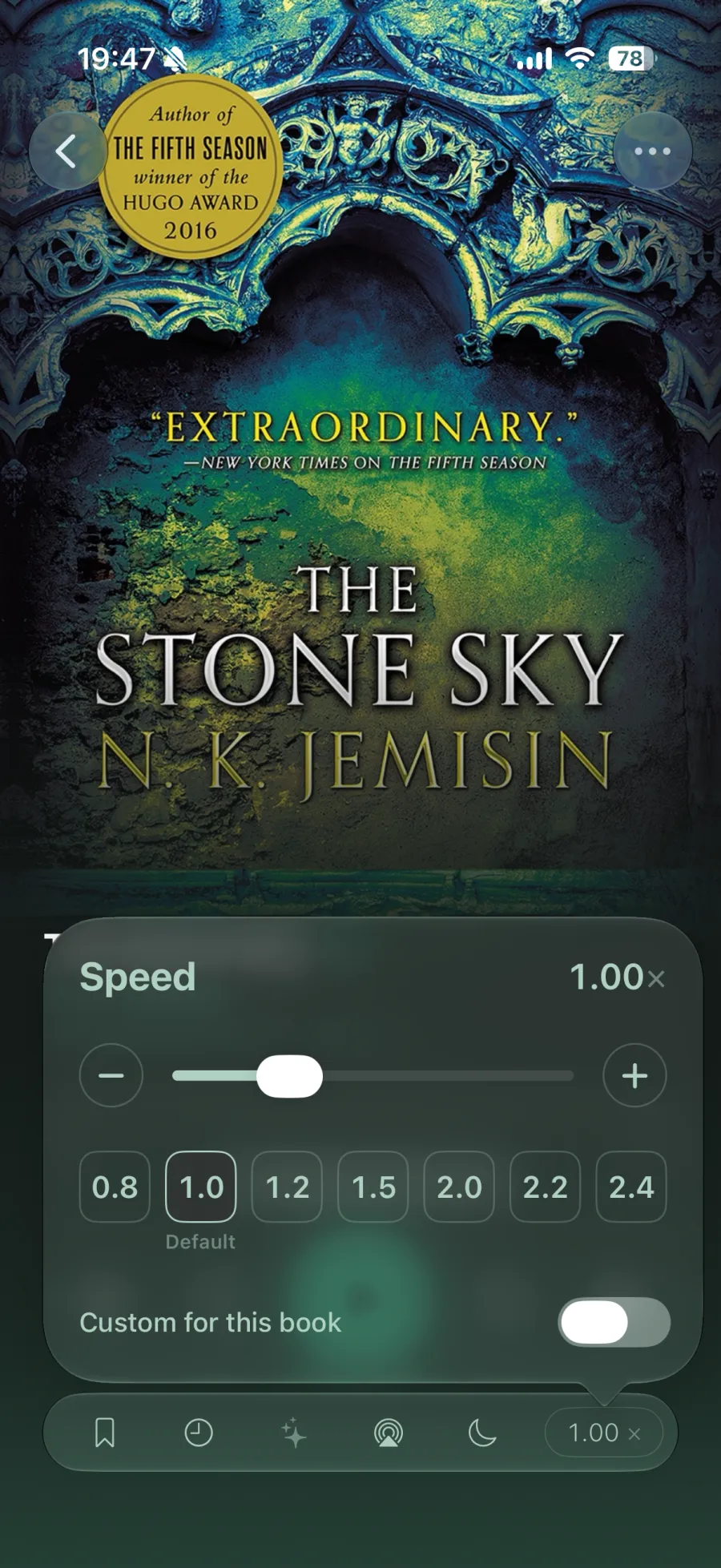
- Playback speed, per book or global
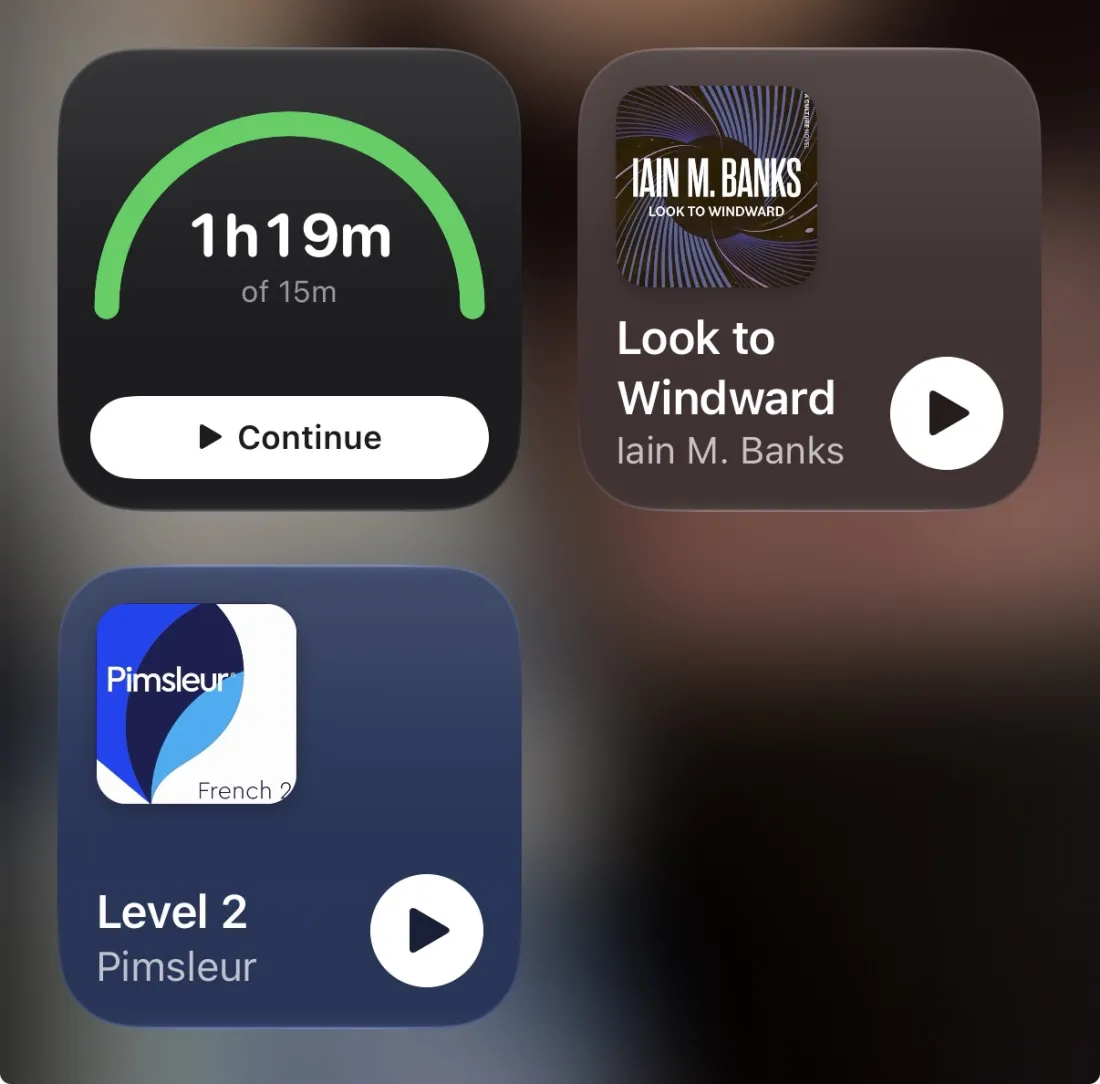
- Continue Listening widget — small, medium, and large, tinted per book
Library management
- Cross-format search, with search tokens
- Spotlight search — find any book or audiobook from iOS or macOS search, jump straight in
- Auto-Organise — tidies files by kind, author, or series
- Hidden audiobooks — hide and unhide, with optional obfuscation
- Folders expand in place
- Per-tab appearance — audiobooks dark, books and comics light
- Choose the tab the app opens on
- Removing a download keeps your progress
Metadata
- Lookups from Hardcover, Google Books, Open Library, iTunes, and Wikidata
- Writes MP3 ID3 tags, and every audio format Apple supports
Comics
- Manga mode — right-to-left reading direction
- Webtoon mode — continuous vertical scrolling
- Pinch to zoom and pan pages
- ComicInfo.xml — series, title, and creators read from the archive
- Page-perfect resume
Everything else
- Share sheet and Files import
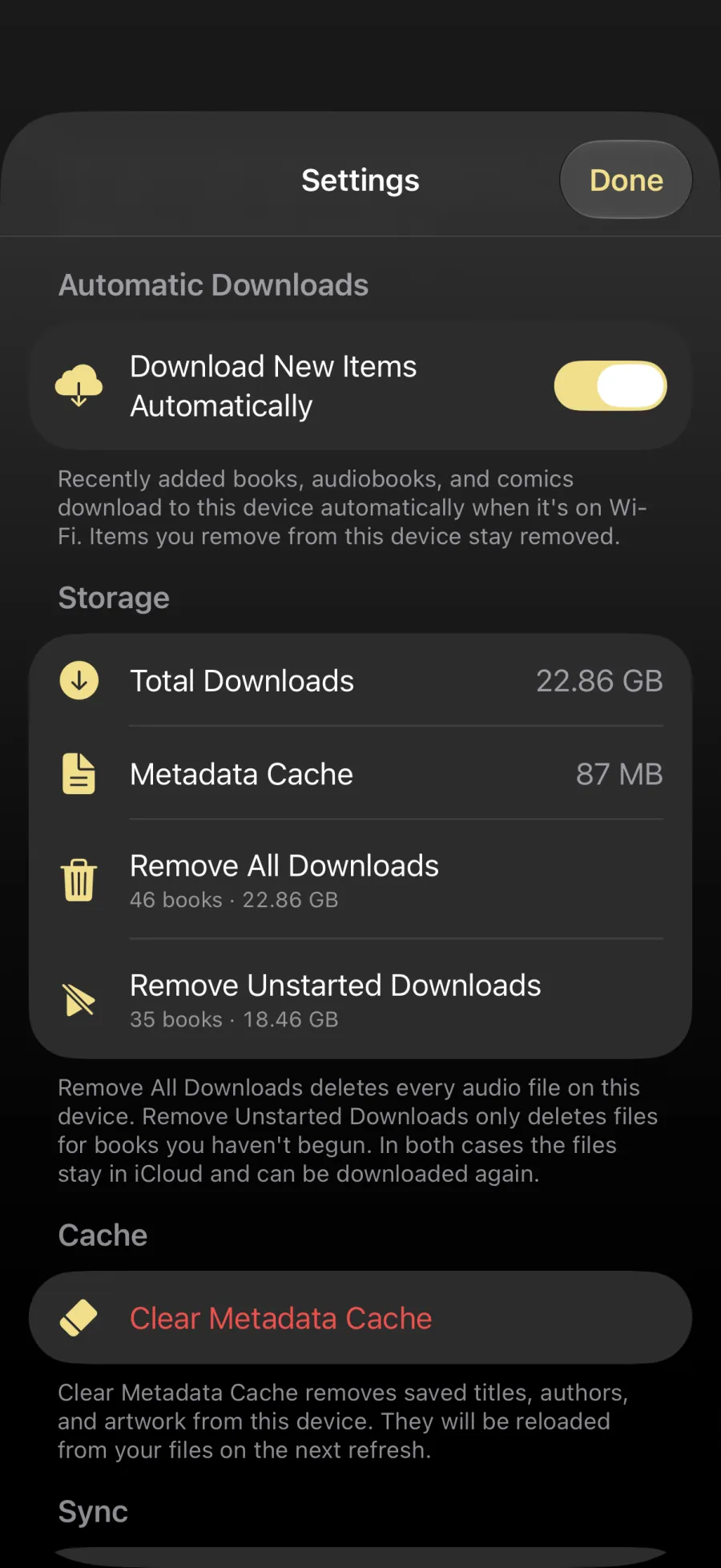
- Automatic downloads of new arrivals
- Auto-download of books in progress